Install a Playdate replacement display
This guide details installation of the Straw Dynamics Playdate replacement display. The kit includes 3ml of B-7000 glue for attaching the display to Playdate's front shell, and double-sided tape for mounting the FFC extender to the back of the display. You'll need the following tools and supplies:
- 4mm flathead screwdriver for removing the rear screws
- #0 Phillips screwdriver for removing the mid-frame screws
- Plastic pick (a thin nylon guitar pick or iFixit Opening Pick)
- Precision tweezers for disconnecting some components
- A small amount of isopropyl alcohol (rubbing alcohol) for loosening/cleaning adhesive
Remove rear shell
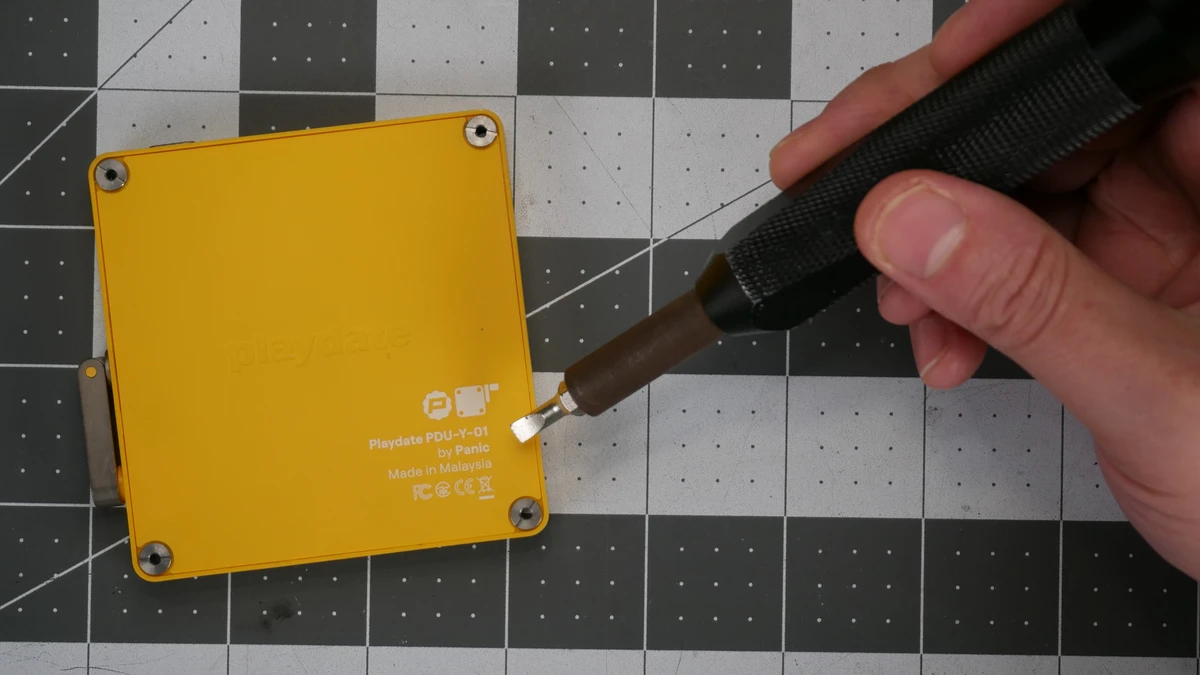
- Use a 4mm flathead screwdriver to remove the corner screws on the back of your Playdate. These screw heads are easy to strip or mar, so be careful!
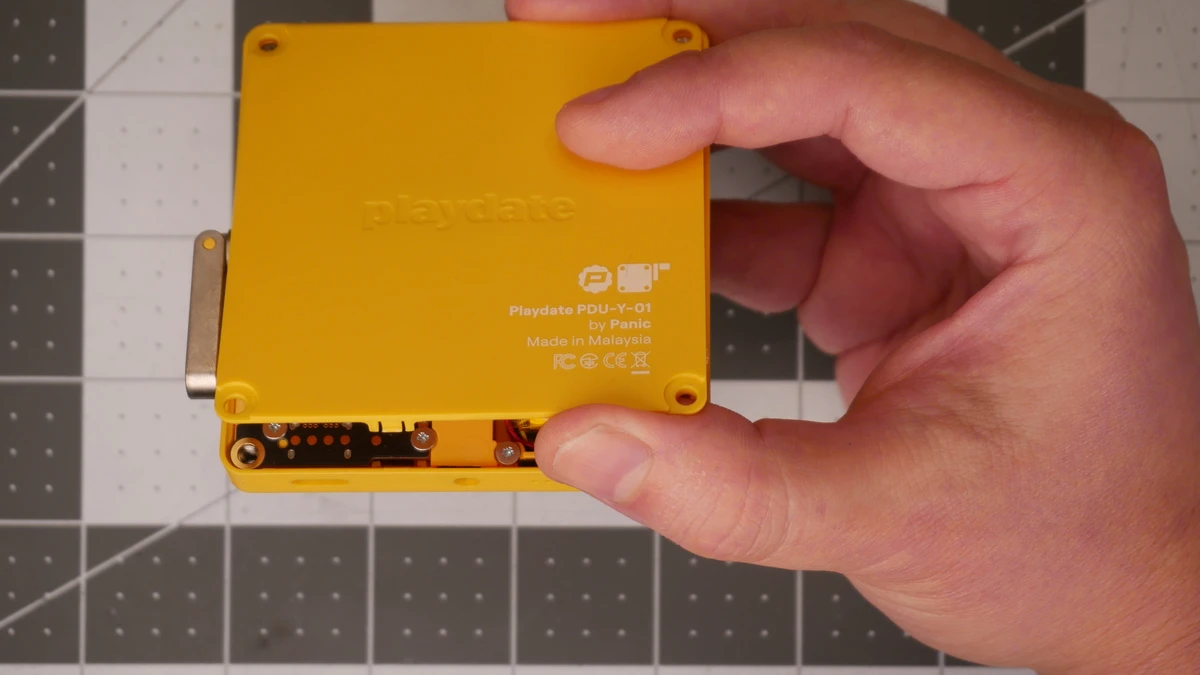
- Note the location of four small clips on the rear shell, one on each side.
- Insert a plastic pick between the rear and front pieces of the shell. Tilt it down toward the device, and gently slide it toward each clip to release it.
Remove rear shell
Remove battery
Be careful, and take your time! Lithium batteries are dangerous, and can cause fires if bent, punctured, or otherwise damaged.
- Use precision tweezers to remove the warranty warning sticker, and guide the battery wires into an accessible position. Firmly grasp all three wires and pull/wiggle to disconnect the battery from your Playdate's mainboard.
- Optionally put a small amount (just a few drops) of rubbing alcohol behind the battery to help loosen the adhesive. Let this sit for a minute or so, you can wiggle (rotate) the battery a bit to help it spread.
- Use a plastic pick to slowly separate the battery from the mid-frame. Keep the pick as close to parallel with the Playdate as you can, to avoid bending the battery. Take your time.
Remove battery
Remove mid-frame
Be as gentle as possible when dealing with FFC connectors and cables. They're very delicate, and can be easily ripped with a bit of shear force. They're called "zero insertion force" for a reason!
- Use precision tweezers and your fingernail to gently and evenly open the display connector FFC. Then, slowly pull the FFC out.
- Use a #0 Phillips bit to remove the 4 screws holding the mid-frame in place.
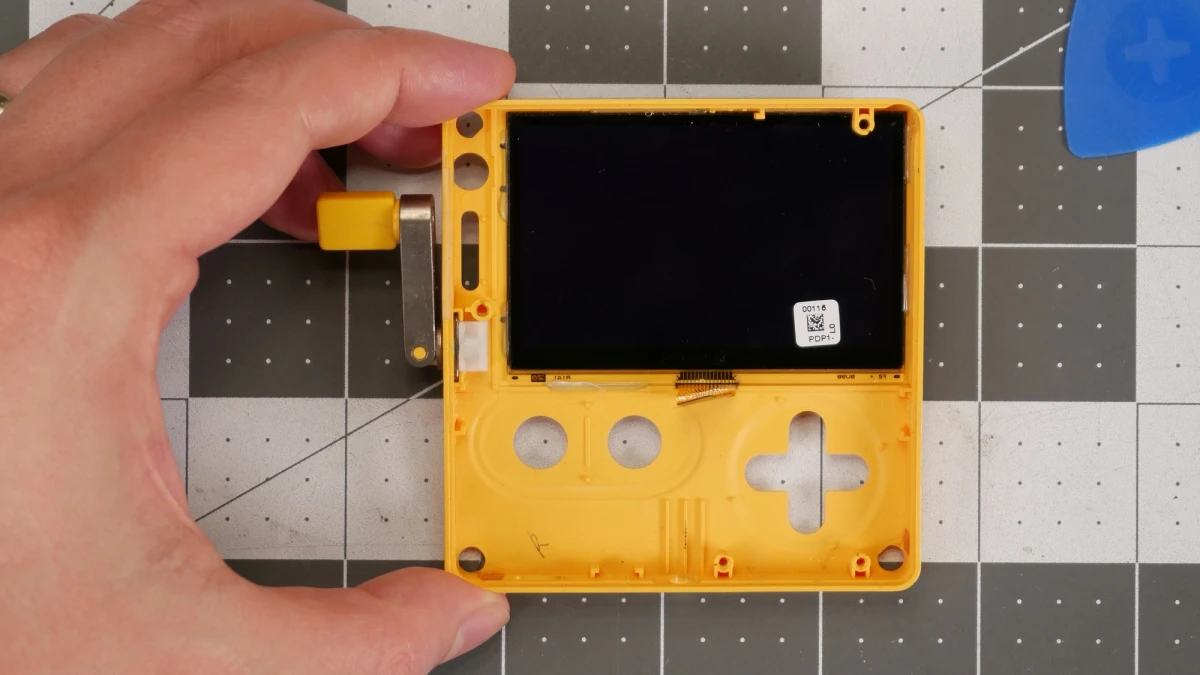
- Undock the crank.
- Insert a plastic pick at the bottom, and gently tilt it down toward the Playdate to begin removing the mid-frame. Be very mindful of the power button at this point, pushing it out and guiding the display connector FFC while you lift the mid-frame up and away.
- Remove the face and menu buttons.
Remove mid-frame
Remove display connector
Remove the display connector from the original display:
- Gently open the display connector FFC on the back of the original display by flipping it up.
- Remove the display cable from the display connector, and gently bend it down out of the way.
- Hold the display connector in place with your finger, and slowly rock/slide a plastic pick between the display connector and display to separate it.
Remove display connector
Remove original display
- Use a hair dryer on low heat to soften the glue holding the original display in place.
- Gently roll and pull away the glue using tweezers or a thin plastic pick as it softens.
- As the display becomes free, tilt it forward out of the front shell starting from the top.
Remove original display
Install display connector
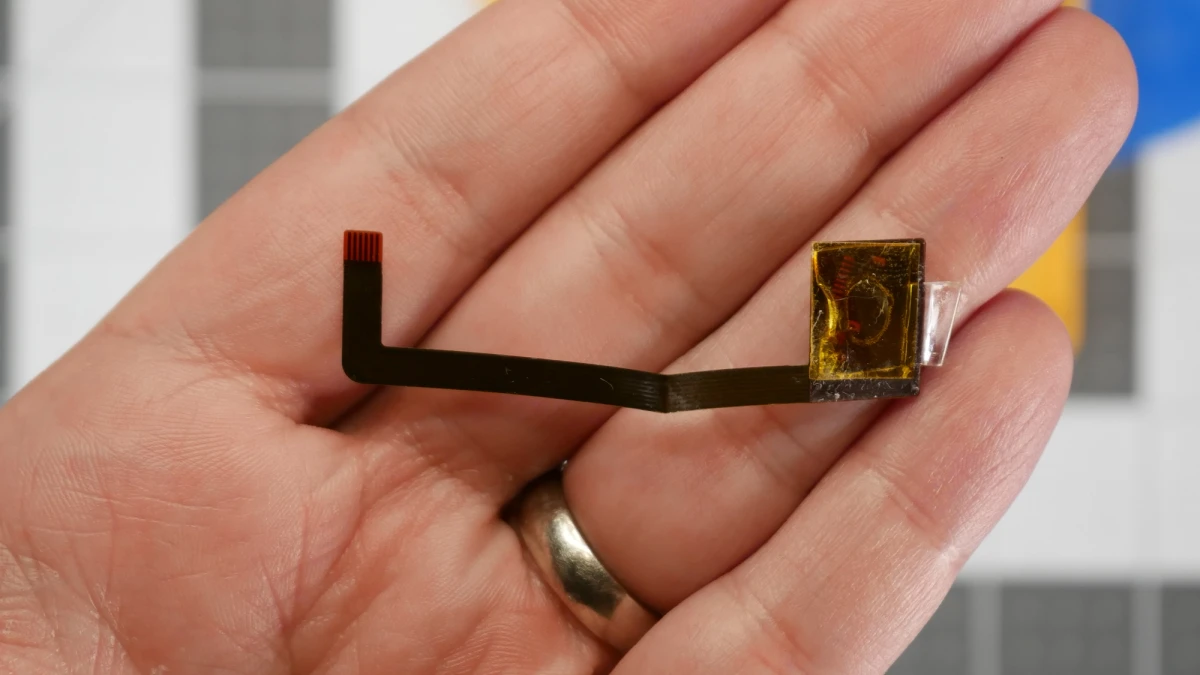
- Carefully clean old adhesive off the back of the display connector using a small amount of rubbing alcohol. Let it dry.
- Cut and apply a small piece of double sided tape to the back of the display connector.
- Insert the display cable into the display connector FFC, and push the connector lever closed.
- Align the display connector with the bottom center of the new display, so the bottom edge of the display connector is slightly (~1mm) below the black border on the display. Carefully press it into place.
Install display connector
Install new display
- Place the shell face up on a flat surface.
- Set the bottom edge of the display into the front of the shell, then rotate it down into place.
- Hold the display in place, and flip the shell onto its face.
- Use B-7000 glue to secure the display to the shell. Don't go overboard!
- Allow the glue to set for at least 15-30 minutes before continuing.
Install new display
Install mid-frame
- Place the shell face down on a flat surface and install the face and menu buttons.
- Hold the mid-frame above the shell, and rotate it 90° counterclockwise to guide the display connector through the mid-frame cutout.
- Rotate the mid-frame back, and carefully guide the power button FFC into its hole. This cable is especially fragile!
- Reinstall the four mid-frame screws. The case standoffs are also fragile. I recommend slowly back-driving the screws until you feel/hear them seat into the threads. Only make these slightly snug to avoid snapping the standoffs.
- Reinsert the display connector FFC and push it closed.
Install mid-frame
Install battery
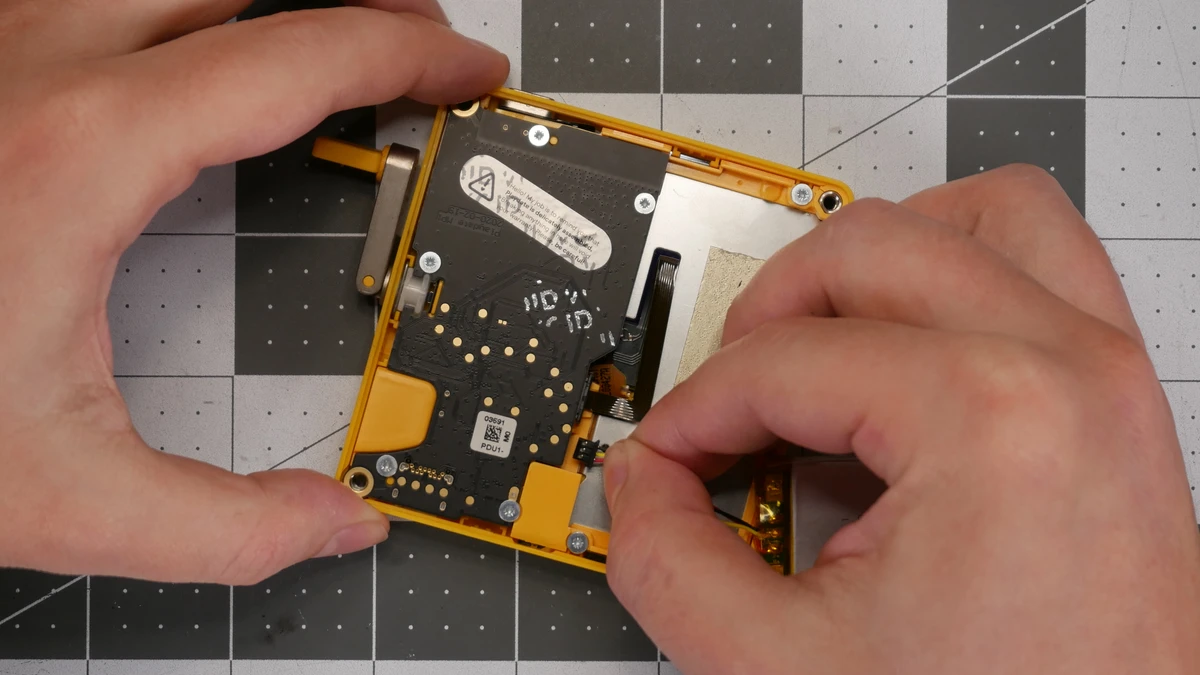
- Reconnect the battery and make sure the display is working. If it's not, disconnect the battery and check the FFC connections again.
- Install the battery. You may want to use a small piece of double-sided tape to secure it to the mid-frame.
Install battery
Install rear shell
- Align the back and front pieces of the shell. Make sure all four back tabs are aligned with their connectors in the front.
- Gently press around the edges to click the shell back together. Don't force it! If it's not closing fully or evenly, use the plastic pick to remove the back and check for obstructions.
- Reinstall the corner screws.
Install rear shell